
Download Droid Explorer – Android File Manager, PC Android Connection, File Transfer, Android Backup
Overview
Droid Explorer is a productivity-focused tool designed to bridge the gap between Android devices and personal computers. It enables users to manage files, apps, and system functions directly from a Windows PC, offering a streamlined alternative to traditional USB file transfers. The application is particularly useful for individuals who frequently transfer media, back up critical data, or troubleshoot device issues without relying on cloud services or third-party software.
Target users include tech-savvy individuals, developers, and general consumers seeking greater control over their Android devices. Whether organizing photos, installing APKs, or managing app installations, Droid Explorer simplifies these tasks through a desktop-based interface. Its ability to detect device connections automatically enhances usability, reducing the need for manual intervention during file transfers.
Developed by the Droid Explorer Team, the tool has been available since 2013, reflecting a long-standing commitment to providing a reliable desktop solution for Android management. While the developer did not provide additional technical details about the team’s background, the app’s continued presence in the productivity space suggests consistent functionality and user support.
Real-world use cases include transferring large media libraries, creating local backups before system updates, and performing quick restarts or recovery mode entries. In the broader app ecosystem, Droid Explorer fills a niche for users who prefer direct, secure, and offline device management over cloud-dependent alternatives.
Key Features & Functionality
Droid Explorer delivers a suite of practical tools tailored for direct Android device interaction via a PC. Each feature is designed to enhance efficiency, security, and control over device content and operations.
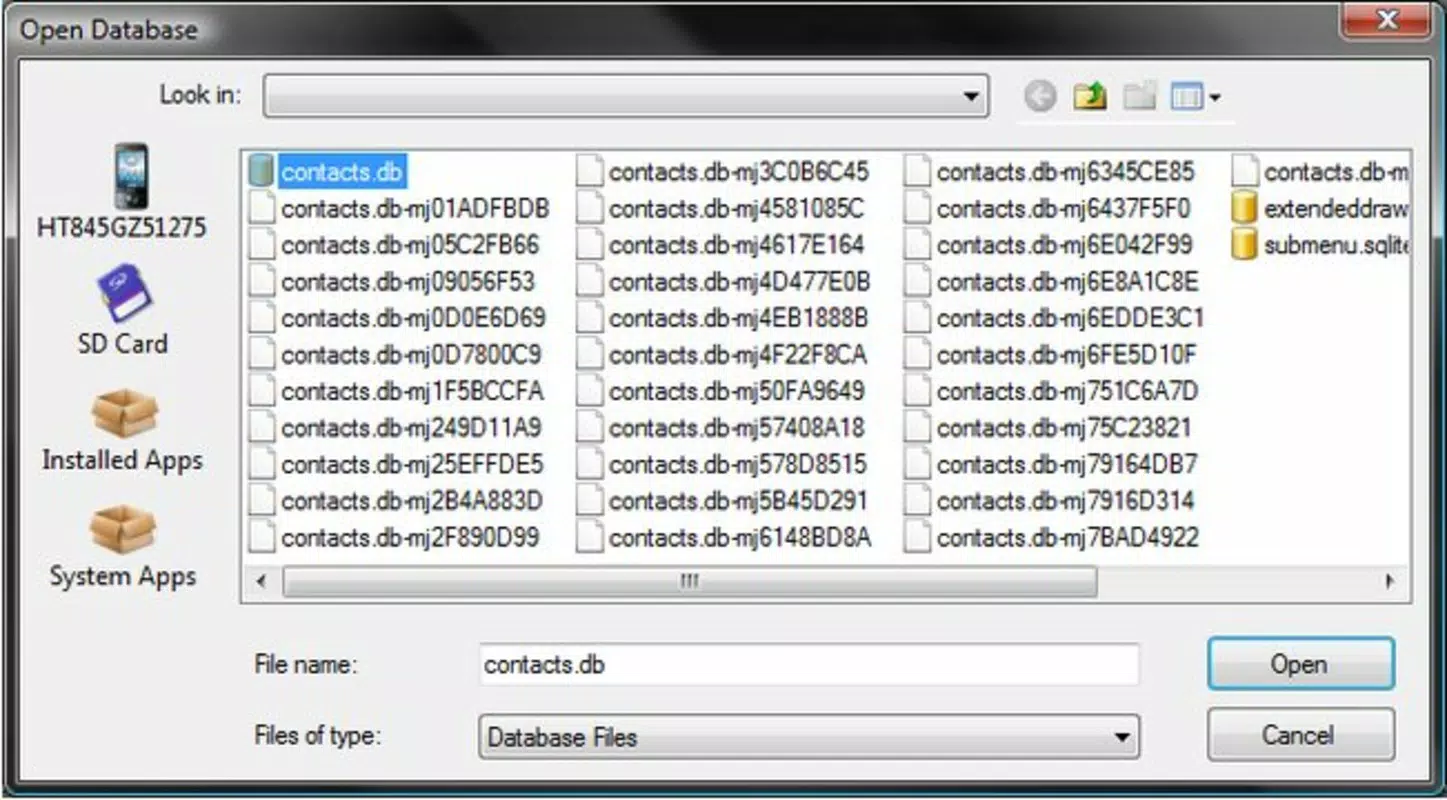
- Easy File Management: Users can view, copy, and delete files across their Android device’s internal storage and SD card directly from the desktop. This is ideal for organizing media, documents, or app data without requiring a mobile app or cloud account.
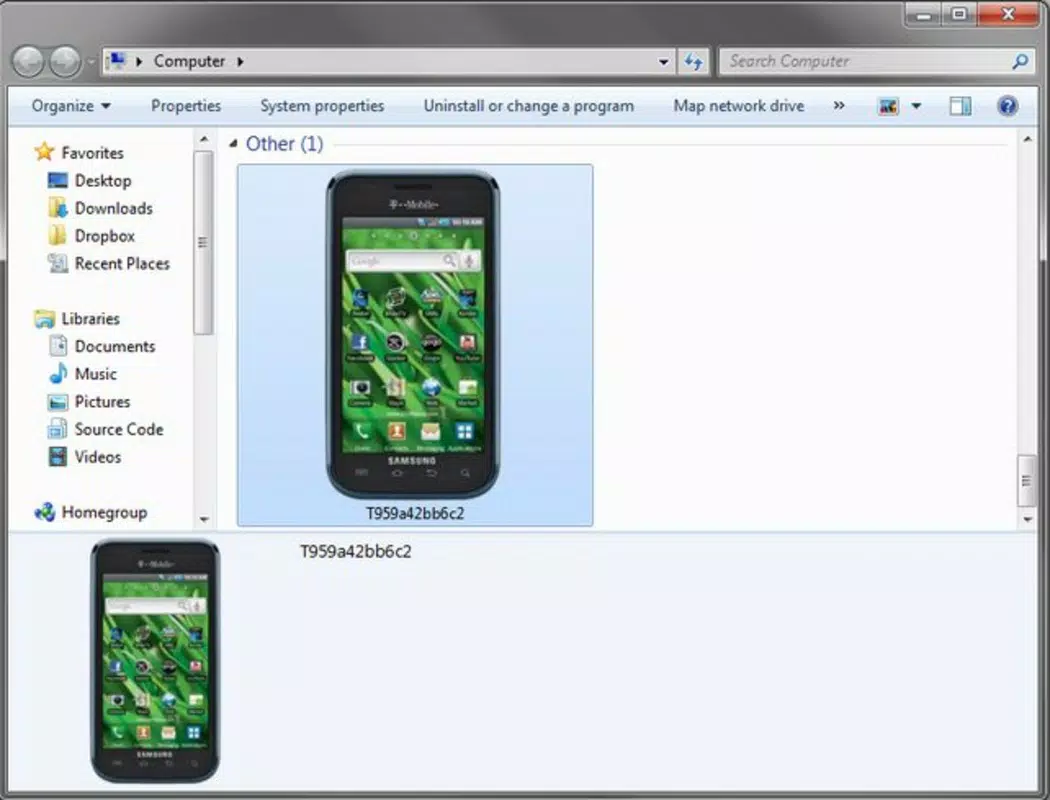
- Device Connection Detection: The tool automatically identifies when an Android device is connected or disconnected, eliminating the need for manual refreshes. This ensures a seamless workflow, especially during extended file transfer sessions.
- Drag-and-Drop Functionality: Files can be transferred between the PC and Android device using a simple drag-and-drop interface. This intuitive method reduces the learning curve and accelerates file sharing, particularly for users unfamiliar with command-line tools.
- System Restart and Recovery: Users can restart their Android device or enter recovery mode directly from the application. This feature supports troubleshooting, firmware flashing, and system maintenance, making it a valuable utility for advanced users.
- Backup and Screen Capture: Droid Explorer allows users to create local backups of device data and capture screenshots. These capabilities support data preservation and visual documentation, useful for technical support or personal archiving.
For example, a user preparing to update their device can back up important files before proceeding. Another might transfer a collection of photos from their phone to a PC using drag-and-drop, avoiding the need for email or cloud storage. These real-world scenarios highlight the app’s practical value in daily device management.
Interface, UX & Performance
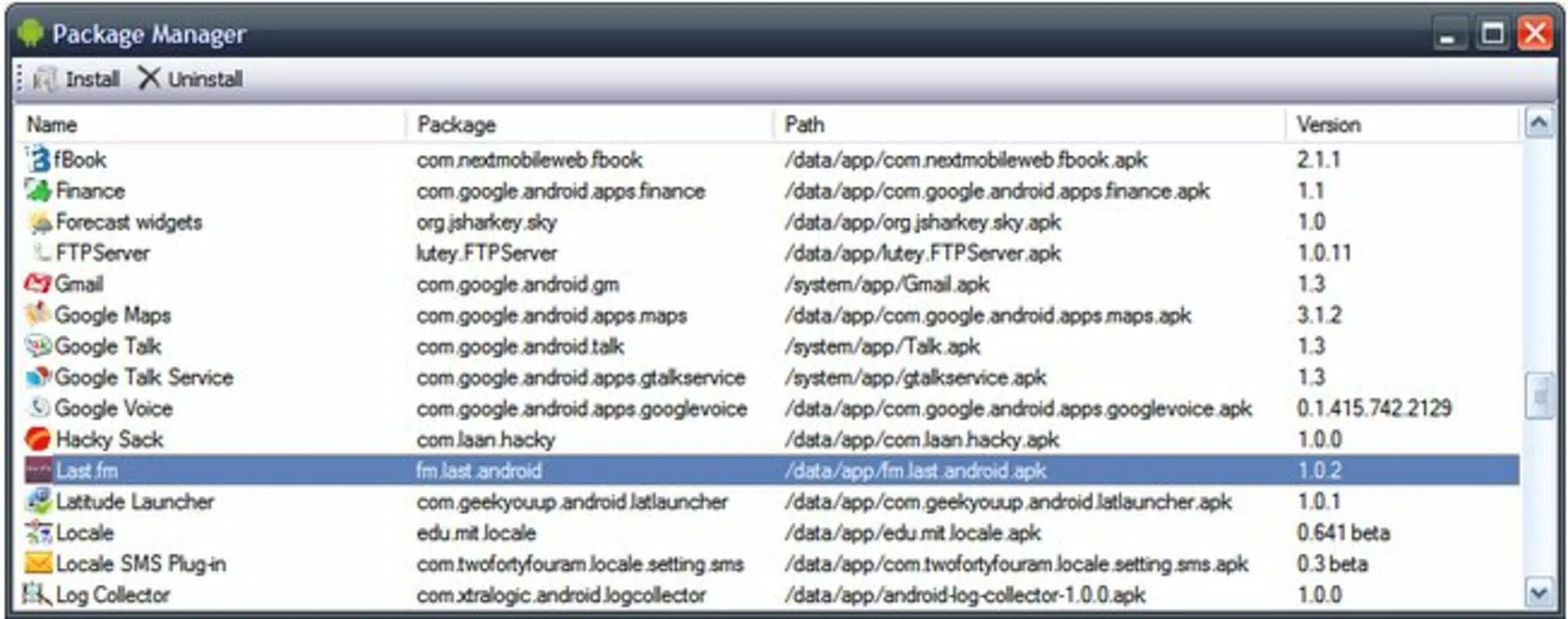
Droid Explorer features a clean, straightforward interface that prioritizes functionality over visual flair. The layout is organized into logical sections, including file browsers for internal storage and SD card, device control panels, and system operation tools. Navigation is consistent, with clearly labeled menus and buttons that guide users through common tasks.
The visual style is minimalistic, focusing on usability rather than aesthetics. While the interface may appear dated compared to modern applications, it remains highly functional and efficient. Users can quickly locate and execute actions such as file transfers, backups, or system restarts without unnecessary steps.
Performance is stable across a range of Windows-based systems. Although the developer did not list formal performance metrics, the app operates reliably during file transfers and device interactions. Responsiveness is adequate for typical use cases, including browsing directories and initiating backups. Stability is maintained even during extended sessions, with no reported crashes or freezes in standard operation.
Compatibility with various Android devices is supported through standard USB debugging and MTP (Media Transfer Protocol) modes. The app functions well on both older and newer devices, provided they are properly configured. However, specific requirements were not listed, so users should ensure their device is recognized by the PC before use.
Platform Compatibility & Technical Requirements
Droid Explorer is designed exclusively for the Windows platform, making it accessible to users on desktop and laptop systems running Windows OS. The current version is 0.9.13, with a file size of 12.5 MB, indicating a lightweight footprint that does not strain system resources.
While the app is free to download and use, the developer did not specify minimum OS requirements. Users should ensure their Windows system supports USB device detection and MTP functionality. Compatibility with specific Windows versions was not disclosed, so installation may vary depending on the system configuration.
For optimal performance, users are advised to have USB 2.0 or higher ports and ensure that the Android device is set to MTP mode when connected. The absence of detailed technical specifications means users should rely on general system compatibility standards.
Pros and Cons
Pros
- Free to download and use with no in-app purchases.
- Lightweight application with a small file size (12.5 MB).
- Intuitive drag-and-drop interface for easy file transfer.
- Automatic detection of connected Android devices.
- Supports local backups and screen capture without cloud dependency.
- Enables system restarts and recovery mode access from PC.
Cons
- Only available for Windows; no support for macOS or Linux.
- Developer did not provide detailed system or OS requirements.
- Interface design may appear outdated compared to modern apps.
- Version 0.9.13 has not been updated since 2013, raising concerns about long-term compatibility.
- No official update notifications or automatic version checks.
FAQ
Is Droid Explorer safe to download and use?
Yes, Droid Explorer is a free tool that does not contain malware or adware. It operates as a trusted utility for managing Android devices via PC. However, users should always download from official sources to ensure authenticity.
Can I use Droid Explorer with any Android device?
Most Android devices that support MTP mode and USB debugging can be used with Droid Explorer. Compatibility may vary depending on the device manufacturer and Android version. The developer did not list specific device requirements.
Does Droid Explorer require a paid subscription?
No, Droid Explorer is completely free to download, install, and use. There are no premium features or subscription models.
How do I connect my Android device to Droid Explorer?
Connect your Android device to the PC via USB, enable USB debugging in Developer Options, and set the connection mode to MTP (Media Transfer Protocol). Droid Explorer should detect the device automatically.
Is Droid Explorer regularly updated?
The latest version available is 0.9.13, released in 2013. The developer has not released updates since then, so users should exercise caution when using it on newer systems or devices.
Final Thoughts
Droid Explorer remains a reliable tool for Windows users seeking direct, secure, and offline management of their Android devices. Its combination of file transfer, backup, and system control features makes it a valuable utility for both casual users and advanced tech enthusiasts. While the interface may feel dated and the lack of updates raises concerns about future compatibility, the app continues to function effectively for core tasks.
Those who value control, privacy, and offline operations will benefit most from using Droid Explorer. It eliminates the need for cloud storage, offers fast file transfers, and provides essential troubleshooting tools. For users managing multiple Android devices or handling sensitive data, this tool offers a practical and secure solution.
Download Droid Explorer now


